
Newsroom
Media kit
Logos, screenshots, a company summary and founder materials. No account or registration needed.
About InStore Commerce
Short: InStore Commerce is a commerce technology platform that connects local businesses with participating consumer product brands.
Full: InStore Commerce is a commerce technology platform that connects local businesses with participating consumer product brands. Local businesses such as gyms, medical spas, dental and veterinary practices, salons and clinics get a branded online store and an optional front desk kiosk. Their staff recommend products to customers through shopping lists, and each sale is attributed to the web store, a recommendation list or the front desk. Brands list at no cost and fulfill orders directly from their own Shopify or WooCommerce store, so businesses earn retail revenue without buying inventory or managing shipping.
Press contact: [email protected]
- What it is
- A commerce platform connecting local businesses with consumer product brands
- Who it serves
- Local businesses across 120 categories, and Shopify, WooCommerce and consumer product brands
- For local businesses
- A branded online store, staff recommendation lists and an optional front desk kiosk
- For brands
- Free listing with no setup or monthly fee. Brands fulfill orders directly and receive 50% of retail , paid through Stripe Connect
- Fulfillment
- Supplier-direct. Paid orders go to the brand's own store admin and ship from the brand to the customer
- Payments
- Stripe, including tap to pay, QR code and text-to-pay at the front desk
- Headquarters
- Boca Raton, Florida
- Website
- instorecommerce.com
- Press contact
- [email protected]
Logos





Colors
- InStore Blue
#2563EBPrimary. Logo tile, buttons and links - Navy
#0F172AWordmark and headings - Cream
#FFF7E8Storefront icon on the blue tile - White
#FFFFFFBackgrounds and reversed wordmark
Typeface: Inter
Logo use
- Use the full-color logo on white or light backgrounds.
- Use the white-text logo on dark or navy backgrounds.
- Leave clear space around the logo equal to the height of the storefront icon's awning.
- Keep the logo at least 120 px wide on screen and 25 mm wide in print.
- Use the icon alone only where the full name appears nearby, such as app icons and social avatars.
- Do not stretch, rotate, recolor or add effects to the logo.
- Do not place the full-color logo on busy photos or low-contrast colors.
- Do not rebuild or retype the wordmark.
- Do not imply endorsement by showing the logo next to a brand or publication without permission.
Product screenshots
All screenshots use demonstration data. Names, orders and revenue shown are not real customers.
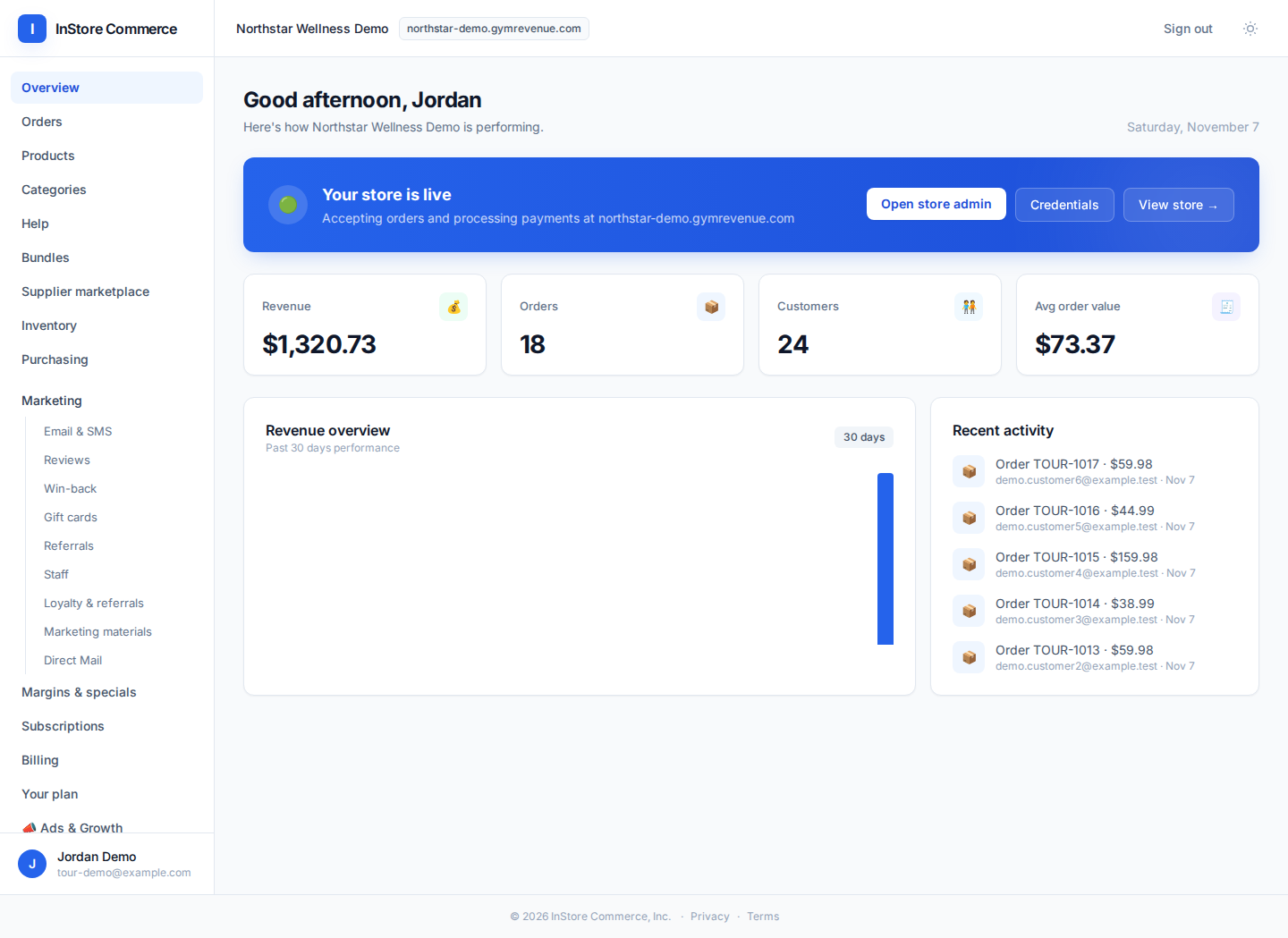
Store owner dashboard
Revenue, orders, customers and recent activity for a local business.
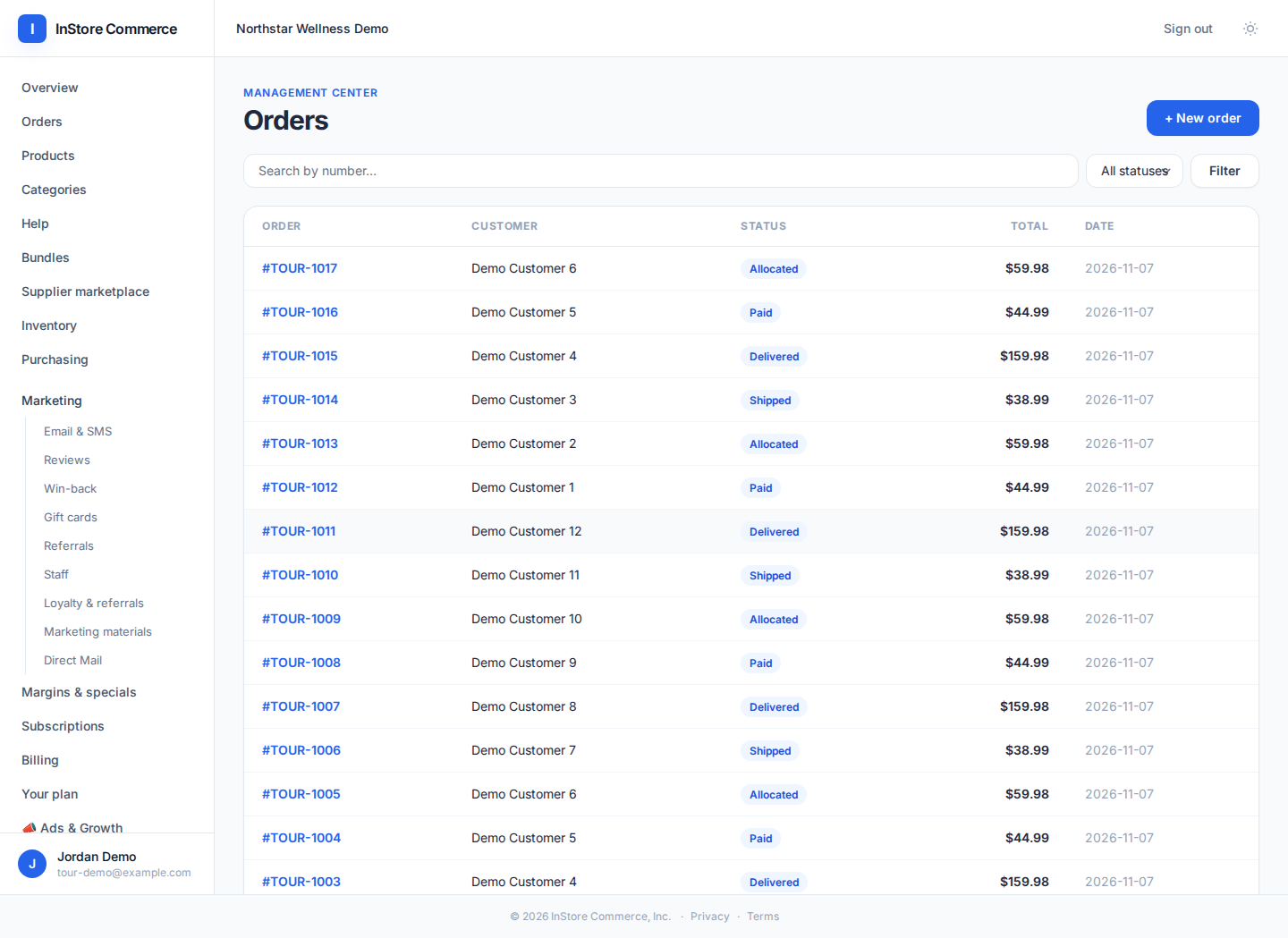
Orders
Orders with their source: web store, recommendation list or front desk.
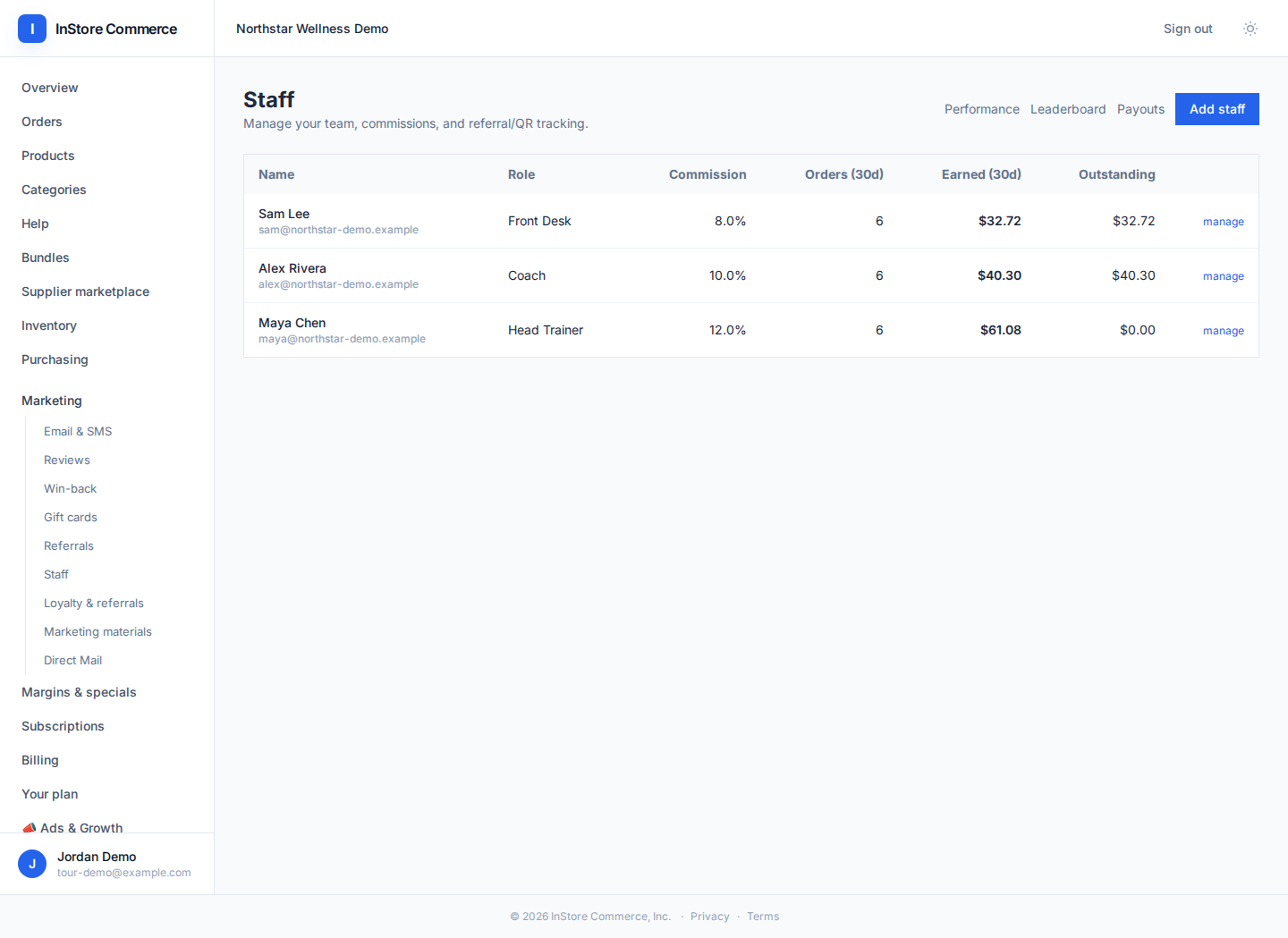
Staff and commissions
Team members, commission rates, orders and earnings.
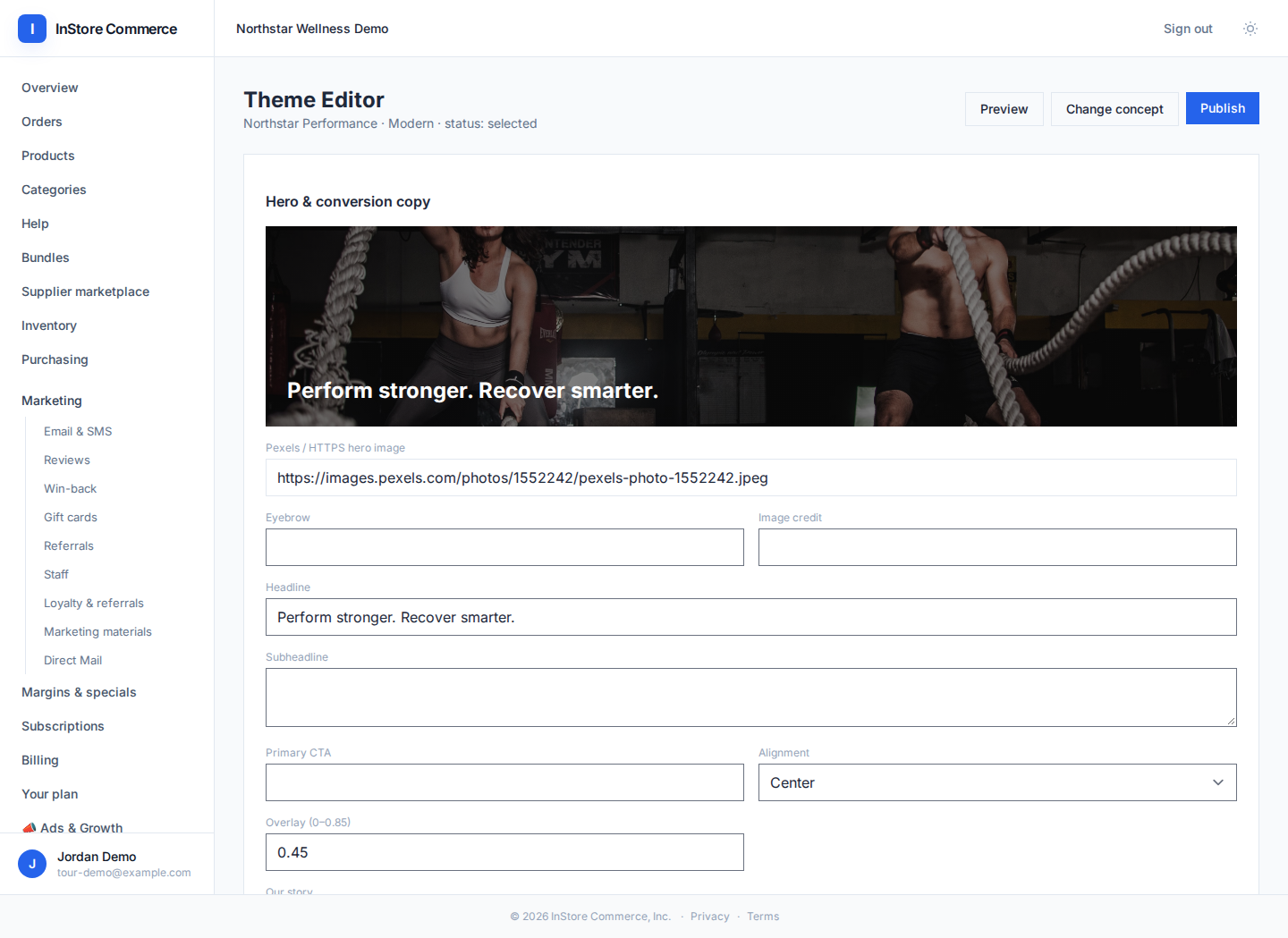
Storefront theme editor
Hero, copy and branding for a store's online storefront.
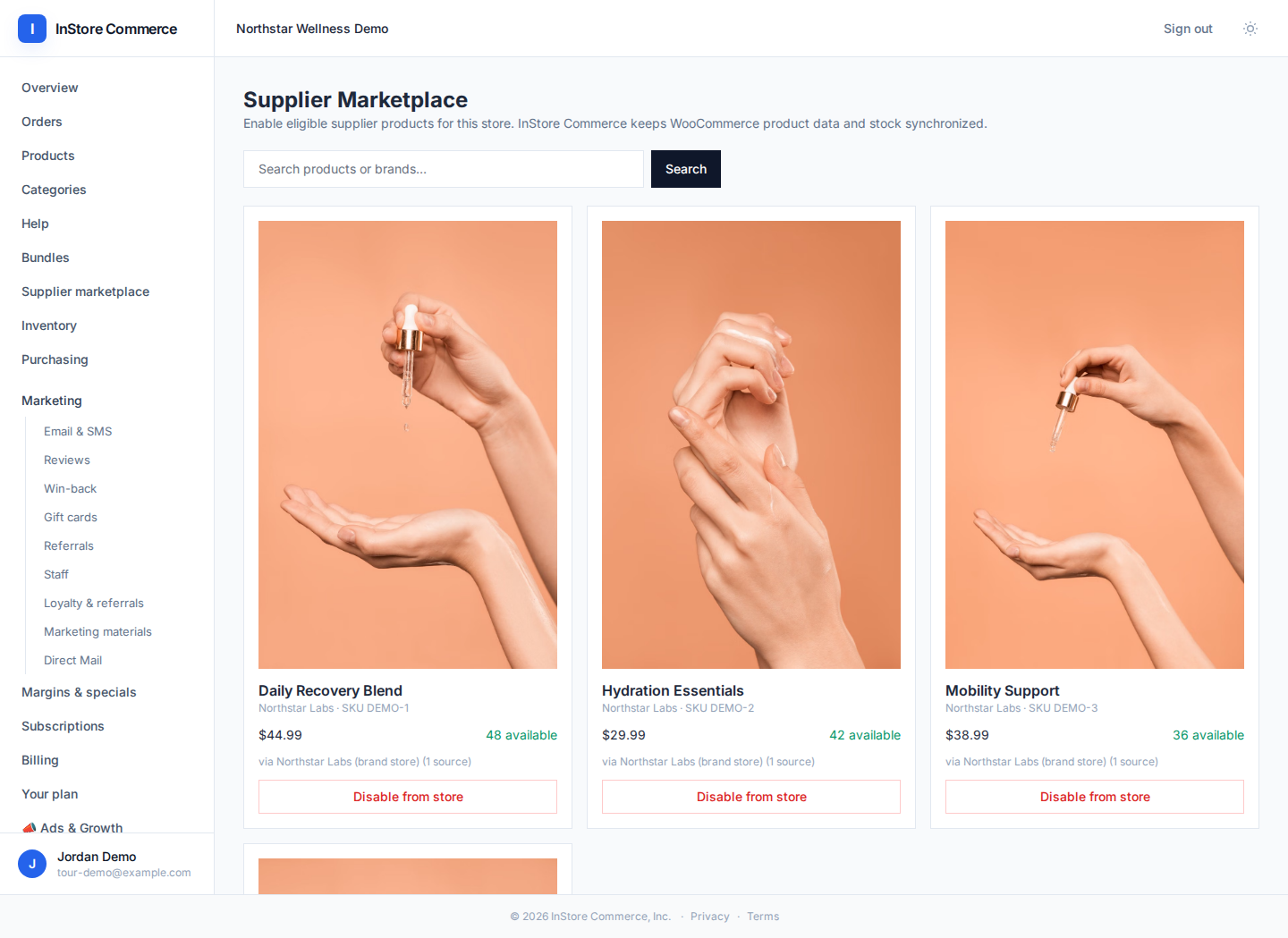
Supplier marketplace
Participating brands and products a business can add to its store.
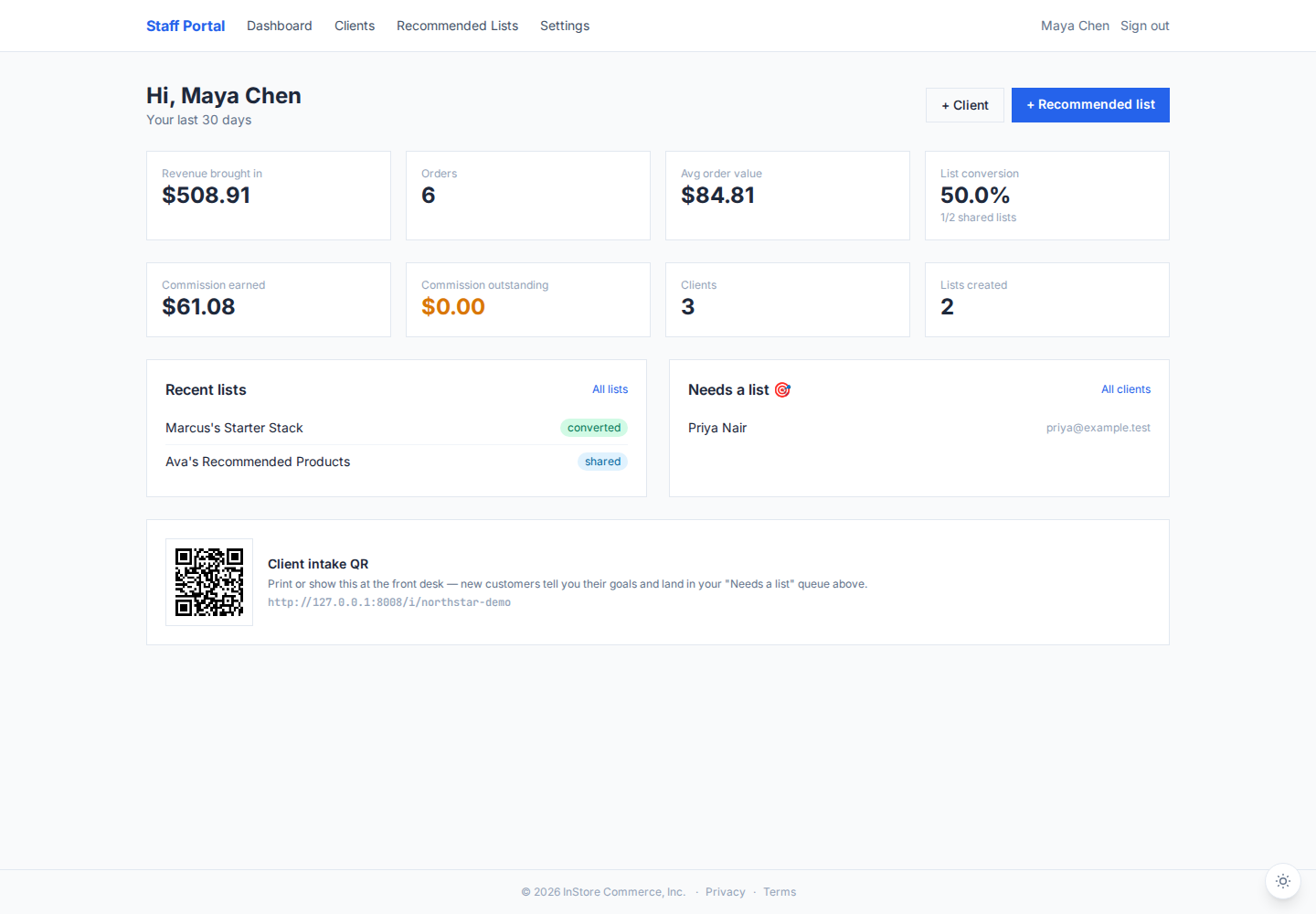
Staff portal
Each team member's own view for building and sharing recommendation lists.
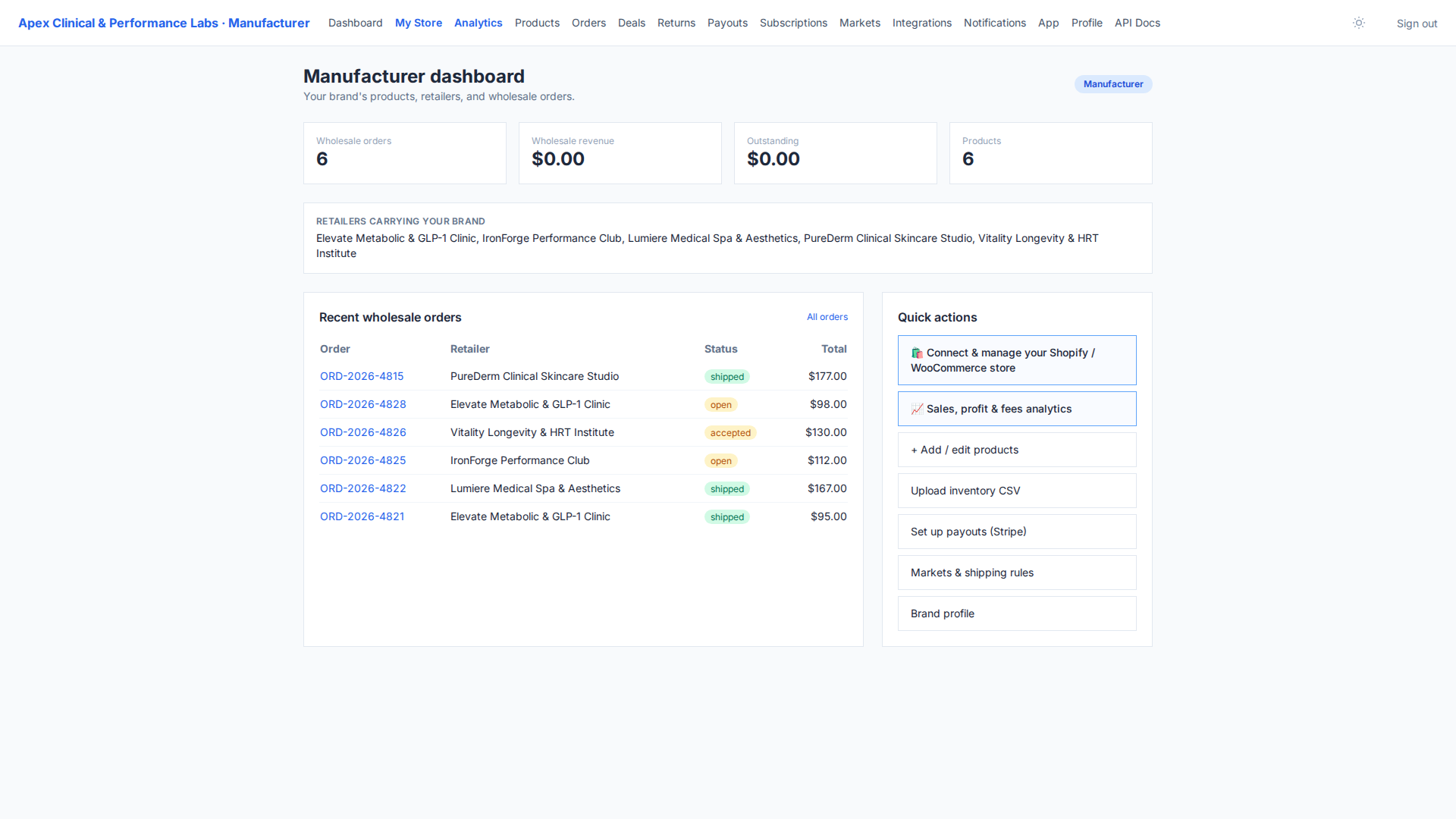
Brand dashboard
Wholesale orders, products and the retailers carrying a brand.
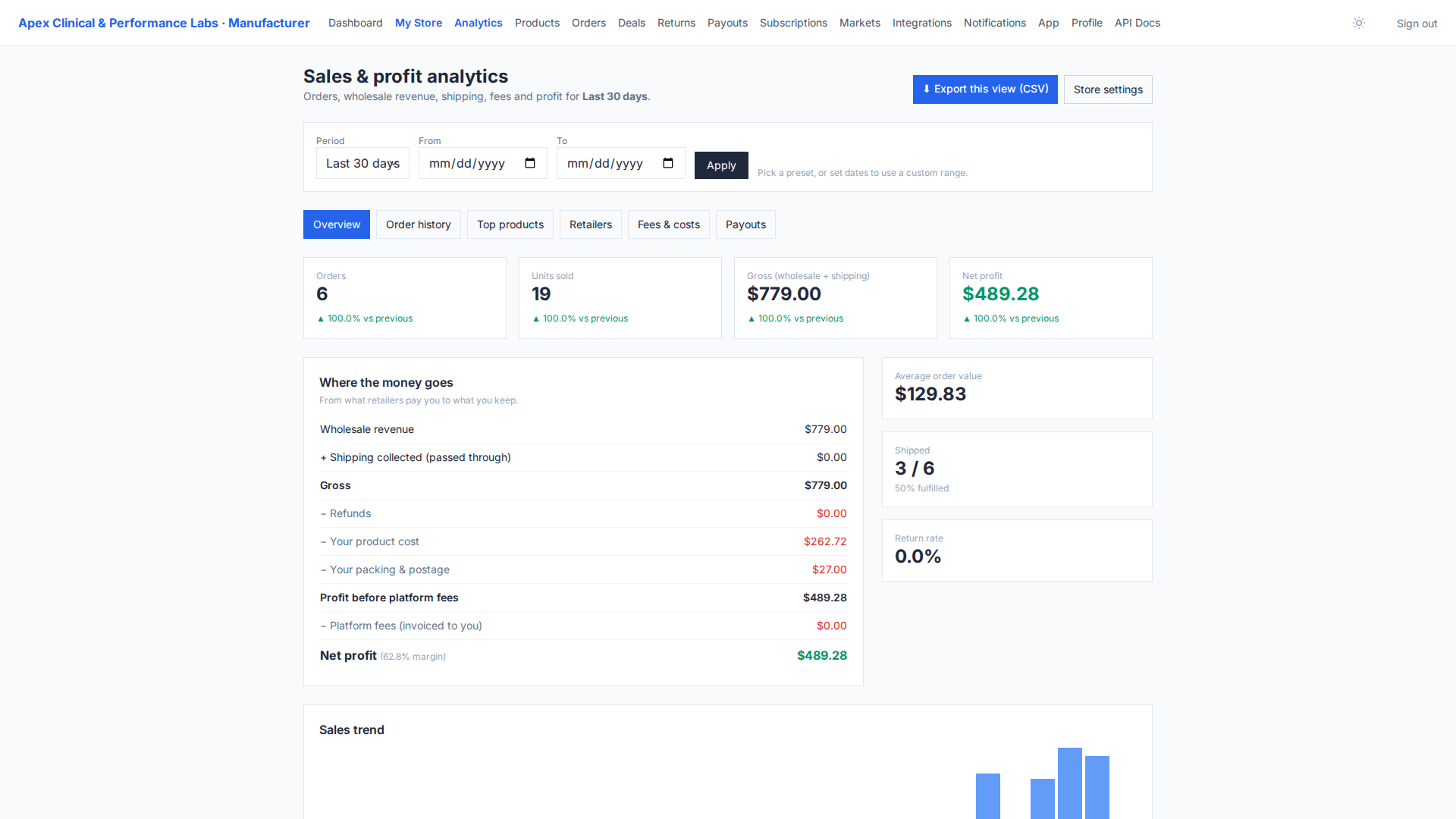
Brand sales analytics
Orders, units, revenue and profit for a participating brand.
Founder
Founder biography (PDF)
Short, medium and long biographies with interview topics.
Founder biography (text)
Plain text biography for copy and paste.
TXT
Company information
Company fact sheet
One page: what InStore Commerce is, key facts and product areas.
Brand guidelines
Logo rules, colors and typeface.
Company description (text)
Short and long boilerplate, plain text for copy and paste.
TXT
Company description (HTML)
Boilerplate as HTML.
HTML
Brand colors
Hex values for the brand palette.
TXT